Blind & low vision · study access
The figures a screen reader can’t touch, explained aloud.
A screen reader handles the paragraphs. But the heart diagram, the supply-and-demand curve, the map on page 40? Those are pictures — and for a blind or low-vision student, every one is a wall between them and tomorrow’s class. The goal isn’t pity. It’s reading the same textbook as everyone else, independently.
Independence, not inspiration
Feel it
Find the soup
Content warning: a blurred simulation of low vision, with sound. You’re making lunch. You have moderate low vision. Find the tomato soup on the shelf and tap it. (Sound on for the payoff.)
This is one rough approximation of a shelf seen with some kinds of low vision — everyone’s vision differs. Try to pick out the soup.
A rough simulation of moderate low vision — everyone’s vision is different. Press Begin when you’re ready.
What it is
A wide range, not a single experience.
“Blind / low vision” spans a lot. Low vision means significant loss that glasses or surgery can’t fully correct; blindness ranges from some light and shape perception to none at all. Most blind and low-vision people retain some usable vision, and the community generally uses plain, direct language — “blind,” “low vision.”
Daily life means a steady stream of small inaccessible moments sighted people never notice. Screen readers handle digital text well — but they do nothing for the diagram, the chart, or the map printed on the page. In a textbook, that’s where the marks live.
What people feel
Independence — and not having to ask.
The emotional thread is dignity: not wanting to ask for help with every figure in every chapter, and the friction of a world built for eyes. Blind and low-vision people are clear they don’t want pity or “inspiration” — they want access, and the tools to do things themselves.
The field’s gold standard for figures — tactile graphics, prepared by specialists — is skilled, slow work with a queue. There’s a real gap for instant, private, on-demand explanation of the long tail: tonight’s homework diagram, the chart in a handout, the figure nobody had three weeks to emboss.
By the numbers
Exactly what it does — and doesn’t
What it does
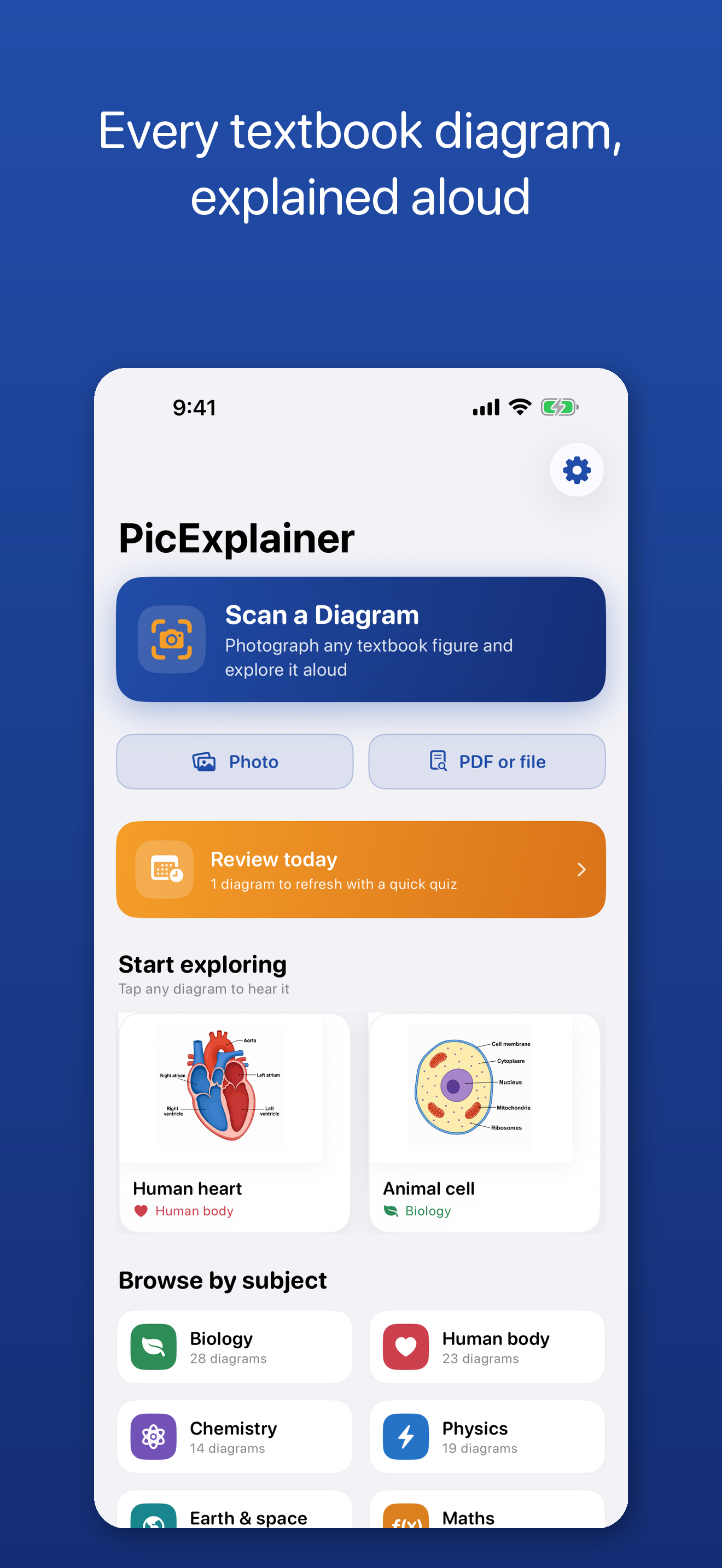
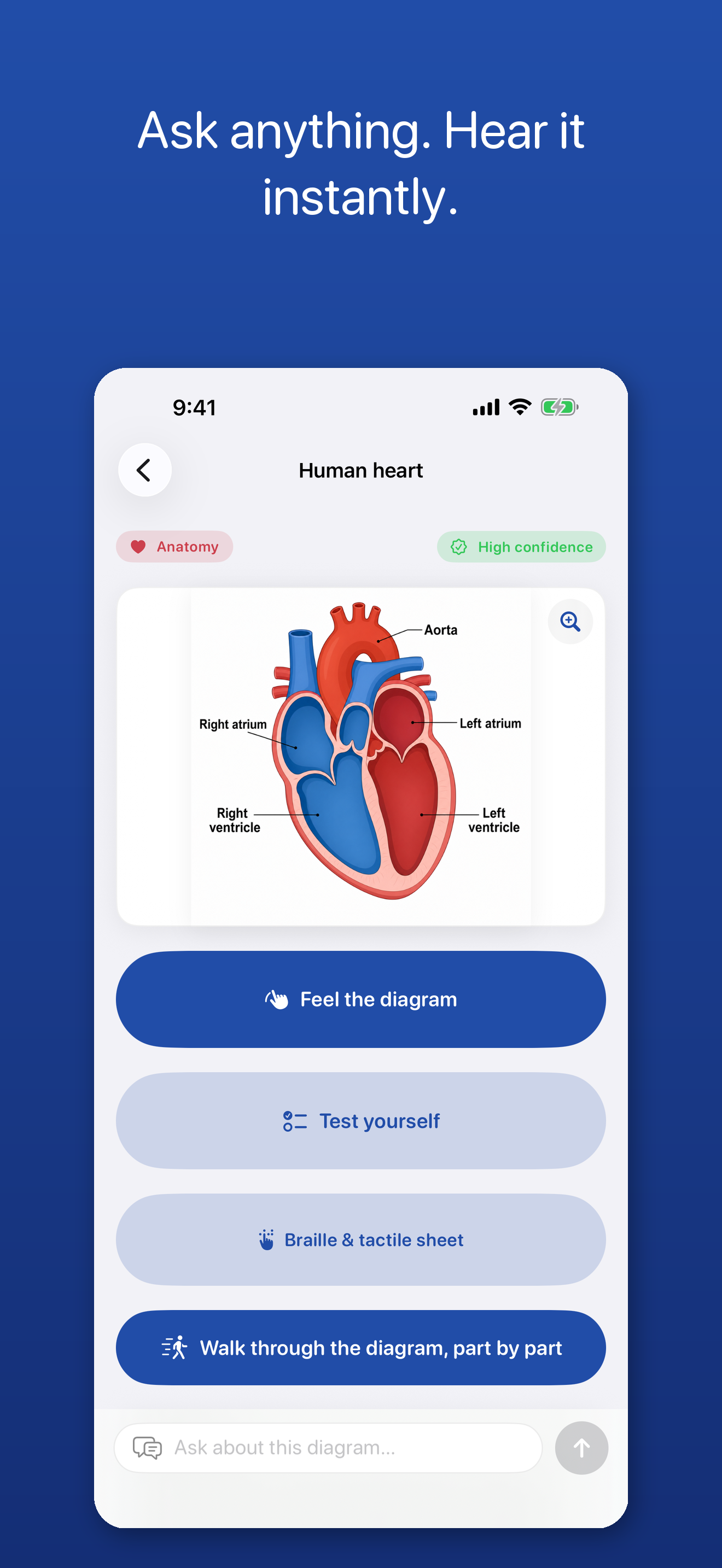
Photograph any textbook diagram, chart, graph, map or figure and PicExplainer explains it aloud — then answers your follow-up questions in plain language.
How it works
It explains the figure you photographed, when you ask. It reports its confidence and flags what it can’t clearly read. AI can make mistakes — always verify important information. It is not a navigation or safety device.
What it is not
A study-access tool for blind and low-vision students. It is not a medical device, makes no claim to treat or restore vision, and complements tactile graphics rather than replacing them.
The app
PicExplainer
Every diagram in every textbook, explained aloud.
PicExplainer is built for blind and low-vision students: photograph the figure, hear a clear spoken explanation, explore it by touch with haptic ticks, play a chart as an audio graph, and ask what the arrow on the left points to. Built VoiceOver-first, on demand, independently, without waiting on another person. The framing is access and autonomy — never “overcoming.”
Free to use. Any optional upgrade is shown in the App Store before purchase.
Supporting a student? See the schools & professionals door.