Biology homework
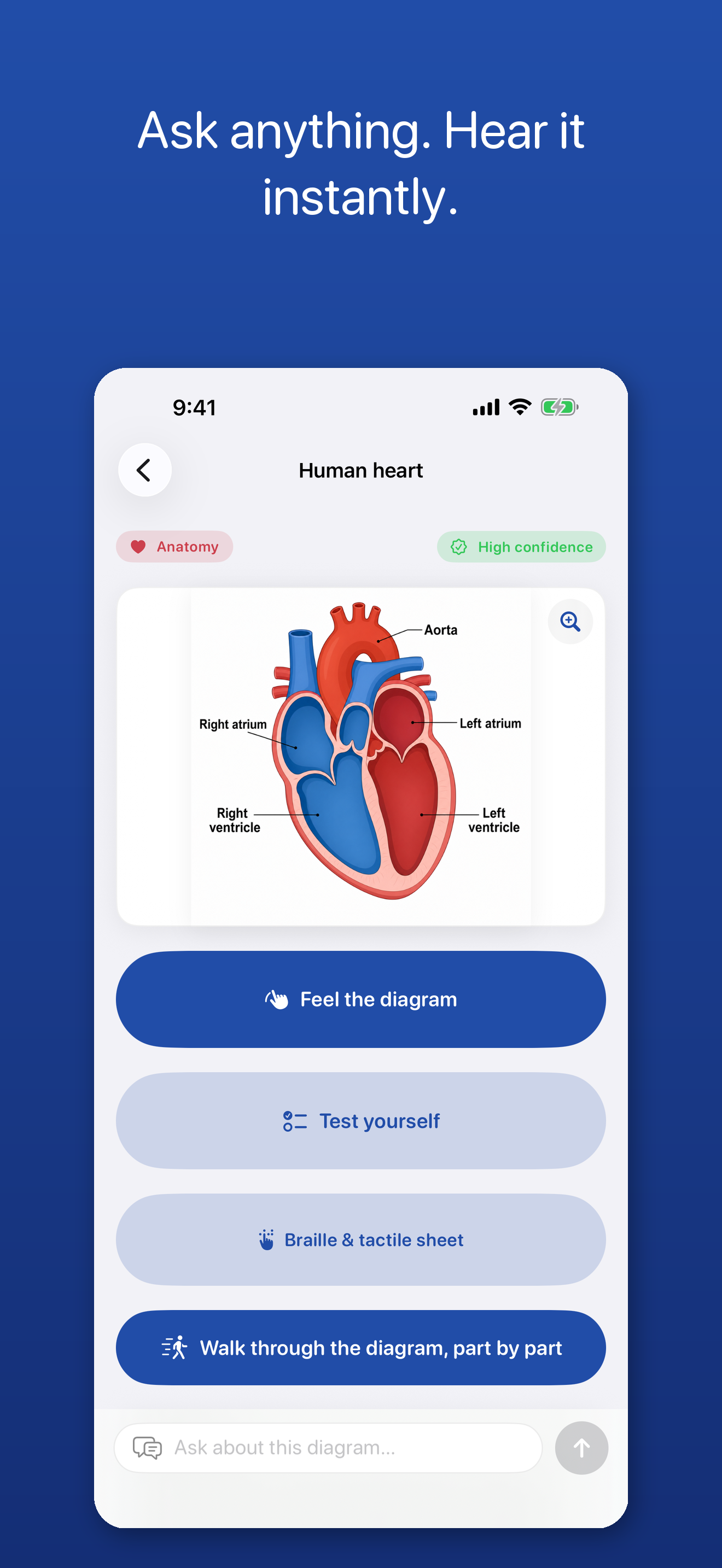
The heart diagram on page 214. Photograph it, hear the walkthrough, ask which chamber comes first. One label comes back flagged as unclear — so that’s the question for tomorrow’s teacher, not a guess on tonight’s worksheet.
Blind · low vision · study
Meet PicExplainer.
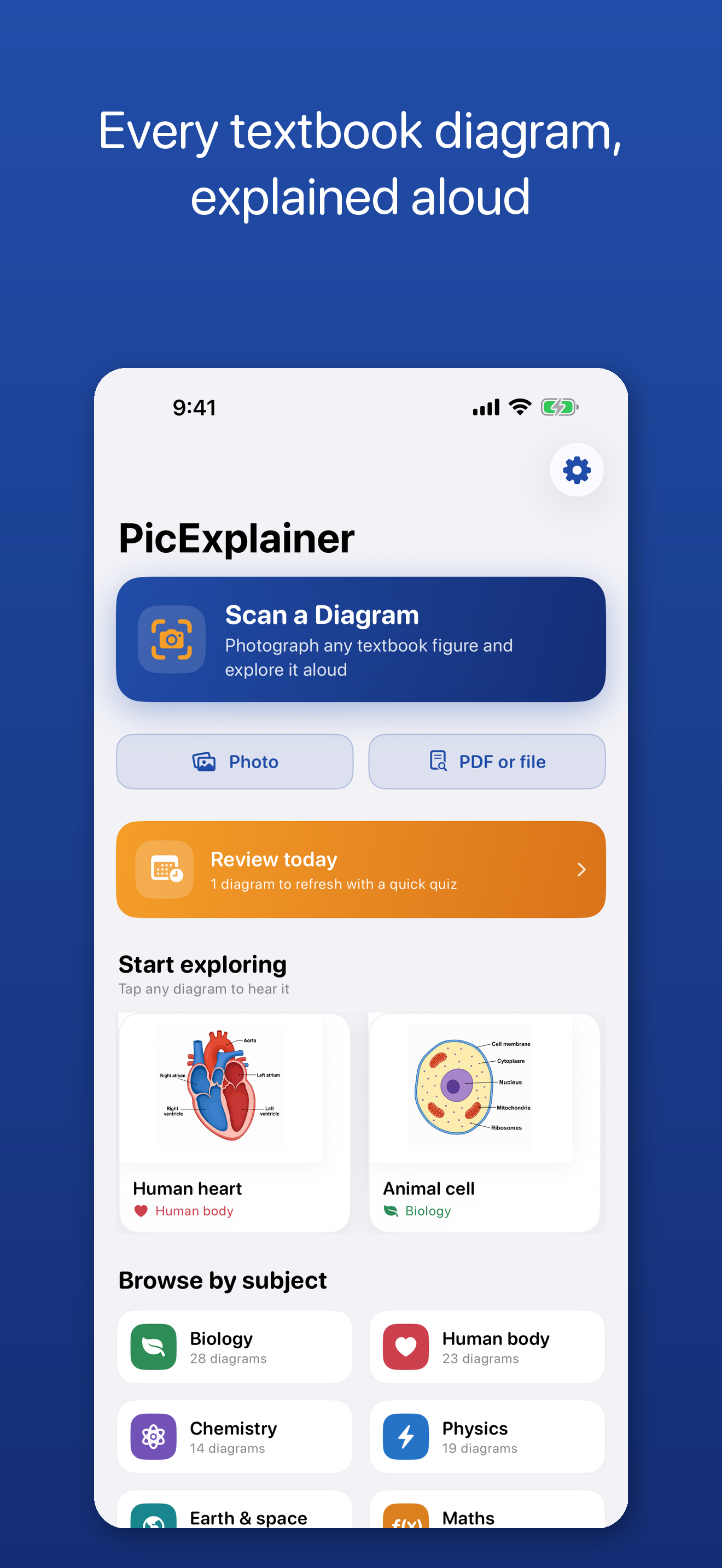
PicExplainer is built for blind and low-vision students. Photograph any textbook diagram, chart, graph, map or figure and hear a clear spoken explanation in seconds — then ask follow-up questions in plain language. Built VoiceOver-first, honest about what it can’t read.
Free to use. Any optional upgrade is shown in the App Store before purchase.
What it does
How it works
Eyes-free camera guidance speaks you through framing the page. PicExplainer explains the figure aloud, answers follow-up questions, lets you explore the diagram by touch with haptic ticks, and can play charts as audio graphs. It reports how confident it is and says “I cannot clearly read this label” instead of guessing.
Who it’s for
For blind and low-vision students — and the teachers of students with visual impairments, disability-services staff, and families around them — who need the figures a screen reader can’t touch: the diagram, the chart, the map in tomorrow’s reading.
Accessibility built in
Designed with VoiceOver from the first line of code: every screen usable by touch and speech, results read in your own VoiceOver voice, haptic boundaries under your finger, audio graphs for charts, and Braille and tactile sheet export.
What it can do with a figure
Photograph any textbook diagram, chart, graph, map or figure — or scan from a PDF — and hear a clear spoken explanation in seconds.
In plain language: “Which chamber does blood enter first?” “What does the arrow on the left point to?” “Read me the values on this chart.”
Drag a finger across the diagram and hear each part announced — “Right atrium”, “X axis”, “Resistor” — with a gentle haptic tick at every boundary.
Charts can play as audio graphs, so you hear the shape of the data — the field’s own technique of sonification, in your pocket.
Export a Braille and tactile sheet for a figure, walk through it part by part, and test yourself before the exam.
Every diagram and conversation is saved on your device — readable forever, even offline, even without a subscription.
Honest by design
PicExplainer reports how confident it is, and says “I cannot clearly read this label” instead of guessing. Anything uncertain is flagged so you can check with your teacher.
PicExplainer uses AI. AI can make mistakes — always verify important information. That sentence ships in the app and stays on this page, because a study tool you can’t trust to admit uncertainty isn’t a study tool.
New scans need a connection — the submitted figure is processed off-device by our service and AI provider. Our application does not add it to a server-side diagram library; the provider-processing and retention boundary is stated in the linked privacy policy. A pseudonymous device identifier is retained for entitlements and usage limits; there is no advertising or tracking. Your saved library stays readable offline, and an offline voice fallback keeps results speakable.
A day with PicExplainer
The heart diagram on page 214. Photograph it, hear the walkthrough, ask which chamber comes first. One label comes back flagged as unclear — so that’s the question for tomorrow’s teacher, not a guess on tonight’s worksheet.
No connection, no problem for revision: the saved library holds every figure already explored this term, readable forever, with the conversations that explained them.
A coordinator deploys PicExplainer to loan iPads through Apple School Manager — and still books tactile graphics for the high-stakes figures. The app covers the long tail the production queue never reaches.
For TVIs & disability services
Tactile graphics and sonification are the field’s standard ways for blind students to read figures — skilled to produce, powerful to teach, and worth every minute of the production queue. PicExplainer’s honest role is the long tail: the diagram in tonight’s reading, the chart in a handout, the figure nobody had three weeks to emboss. It also exports Braille and tactile sheets, and plays charts as audio graphs.
School-wide licences with simple activation codes are available by invoice — write to robin@kindabilities.com. For everything else procurement, start at the schools and professionals door.
Procurement facts, each with an Apple citation: how schools get our apps.
Honest limits
A study-access tool for photographed figures. It is not a navigation or safety device, it does not describe scenes or surroundings, and it complements tactile graphics rather than replacing them. PicExplainer uses AI. AI can make mistakes — always verify important information.
Questions, answered honestly
PicExplainer is free to use; any optional upgrade is shown in the App Store before purchase.